Subscriptions
Complete technical reference for the reader-facing subscription experience — browsing plans, checkout, payment & billing model, entitlements, gifting, upgrades/downgrades, cancellation, renewal, and how the whole journey flows from the Reader Portal through the Admin Console subscription engine into PostgreSQL and the payment gateways
Where this fits: This guide covers the reader-facing (self-service) side of subscriptions — what a reader sees and does on the public site, and exactly what happens behind the scenes when they do it. For the admin side (granting subscriptions, plan editing, the fulfilment list, label templates, the Magazine Schedule), see the Reader Management System guide. For institutional / B2B subscriptions sold offline, see the Sales System guide. For what each plan unlocks (access levels and the paywall), see the Paywall & Access guide.
1. Overview
The Subscription experience lets a reader subscribe to the publication, manage that subscription, and gift one to someone else — all from the public Reader Portal, without contacting support. The Reader Portal is the storefront; the Admin Console owns the subscription engine — the state machine, billing, entitlements, coupons, and fulfilment. Reader-portal API routes proxy to Admin Console routes, which read and write the canonical PostgreSQL tables (subscription_plans, subscriptions, discount_coupons, gift and entitlement tables) via Prisma and orchestrate the payment gateways.
Here is what readers can do:
- Browse plans — view the plan catalog on
/subscribewith pricing, billing intervals (monthly / annual), and what each plan includes. - Subscribe — complete a three-step checkout (details + shipping → plan + interval + coupon → payment) and pay with Razorpay, Stripe, or (in test environments) a Dummy gateway.
- Apply a coupon — enter a discount code at checkout; first-payment, fixed-cycle, and every-renewal discounts are supported.
- Gift a subscription — buy a subscription for someone else; the recipient receives an activation email and redeems it into their own account.
- Upgrade or downgrade — switch to a different plan with a live proration preview before confirming.
- Cancel — cancel from the account page; access continues until the end of the paid period.
- Renew / reactivate — renew automatically, or resubscribe after expiry (often with a win-back discount).
- Track everything — see the current subscription, payment history, and per-issue entitlements (including print delivery status) on the account pages.
Implementation status: The reader subscription journey is fully implemented across the Reader Portal, backed by the Admin Console subscription engine.
2. Who Should Use This Feature
| Role | What You'll Use |
|---|---|
| Readers | Browse plans, subscribe, pay, gift, upgrade/downgrade, cancel, renew, and view subscription + payment history |
| Customer Success | Walk readers through checkout, cancellation, and reactivation; explain proration, entitlements, and delivery status |
| Operations / Admin | Understand the reader-side flows that mirror admin actions (grants, plan changes, fulfilment) — see Reader Management for the admin tools |
| QA | Validate the end-to-end reader journey across gateways, coupons, gifting, plan changes, cancellation, and renewal |
3. How It Works (Behind the Scenes)
Every reader action follows the same shape: Reader Portal UI → reader-portal API route (proxy) → Admin Console API route (engine) → PostgreSQL via Prisma + payment gateway. The Admin Console is the single source of truth. Crucially, subscription state is never set optimistically from the browser — a checkout creates a pending gateway object, and the subscription only becomes ACTIVE when the gateway webhook lands on the Admin Console and the platform writes the state. State flows gateway → webhook → platform, never the reverse; the Hyphen database is the audit source of truth and the gateway dashboards are observability tools.
Worked path — subscribing:
- Reader picks a plan on
/subscribeand lands on/subscribe/checkout?plan=<id>&interval=<monthly|annual>. - The portal calls
POST /api/subscribe/create-order(one-time / fixed-duration / gift) orPOST /api/subscribe/create-subscription(recurring auto-renew), which proxy to the Admin Console/api/payments/create-orderor/api/payments/create-subscription. - The Admin Console creates a Razorpay Order or Razorpay Subscription (or a Stripe Checkout Session), records the gateway refs on a pending
subscriptionsrow, and returns the handle to the browser. - The reader pays in the gateway widget. The browser hits
POST /api/subscribe/verify-payment/verify-subscriptionfor an immediate optimistic confirmation, but the authoritative transition is the gateway webhook (payment.captured,subscription.charged) landing on/api/webhooks/razorpay(or/stripe). - The webhook handler sets
status = ACTIVE, stampscurrentPeriodStart/currentPeriodEnd, confirms any reserved coupon, and callsgenerateEntitlements()— which creates the per-issue print entitlements and makes access resolve.
4. Subscription Concepts & Lifecycle
4.1 Lifecycle states
A reader has at most one Subscription row (readerId is unique). Its status is the SubscriptionStatus enum:
| State | Meaning |
|---|---|
ACTIVE | Paid and current. Entitlements resolve fully. |
TRIALING | In a trial window (trialStart / trialEnd). Treated as active for entitlement resolution. |
PAST_DUE | A renewal charge failed; the gateway is retrying. Access is at risk pending dunning. |
CANCELED | Auto-renew stopped. With cancelAtPeriodEnd = true, access continues until currentPeriodEnd. |
EXPIRED | The paid period has ended. No entitlements; eligible for win-back. |
PAUSED | Temporarily suspended (admin/gateway action). |
A reader with no subscription row resolves to DEFAULT_ENTITLEMENTS (no paid access). The Free plan (a SubscriptionPlan flagged as free) is auto-enrolled — readers get a Free subscriptions row rather than no row, so acquisition flows always have a row to upgrade in place.
Gift lifecycle is separate (the GiftSubscription row, GiftStatus enum): PENDING_PAYMENT → PAID → SENT → ACTIVATED (or EXPIRED / CANCELLED). A gift can only be created for a recipient who does not already hold a live non-Free subscription (eligibility is checked before payment, §5.5a). Redemption requires the recipient to sign in via OTP and accept Terms / Privacy, then creates a normal subscriptions row of subscriptionType = GIFT on the recipient's account.
Institutional seat lifecycle is yet another track. A reader who belongs to an institution has an InstitutionUser row whose InstitutionUserStatus runs invited → active → deactivated. Bulk-uploaded members start invited; the seat is promoted to active the first time the reader signs in through their institutional magic link (§4.4). An invited (or deactivated) seat does not by itself grant access — see §4.4.
4.2 Entitlement resolution
What a reader can do is computed at read time by resolveEntitlements(), not stored as flat flags. Plans carry a features JSON blob parsed into boolean entitlements (e.g. includesPrint, accessArchive, canGiftSubscription) and numeric limits (e.g. premiumArticlesPerMonth, maxDevices, archiveIssueLimit, printIssueCount). Resolution precedence for each key:
- Subscription override (
subscription.entitlementOverrides) — per-reader exception, if set. - Plan value (
plan.features.entitlements/.limits). - Registry default (
BOOLEAN_ENTITLEMENTS/NUMERIC_ENTITLEMENTS).
Only ACTIVE / TRIALING subscriptions resolve entitlements; everything else falls to DEFAULT_ENTITLEMENTS. A queued (pending) plan change is invisible to the resolver until the subscription.charged webhook applies it at the cycle boundary, so a pending downgrade never degrades access early. If the reader has no subscription but an active InstitutionUser seat, entitlements resolve through their institution's plan instead (an invited or deactivated seat does not). See Paywall & Access for how these entitlements gate content.
Read quotas (e.g. premiumArticlesPerMonth) reset at the start of each billing cycle (currentPeriodStart), not on the calendar 1st — so a reader who renews mid-month gets a fresh allowance on their renewal date. The Free plan keeps the calendar-month anchor (its perpetual period never renews). Institutional access anchors to the institution's start date. See Paywall & Access.
4.3 The billing / payment model
- Razorpay is the billing engine in production. Recurring auto-renew plans create a Razorpay Subscription object (one active subscription per reader); fixed-duration and gift purchases create a one-time Razorpay Order. The platform owns subscription state — Razorpay drives charges via webhooks (
subscription.charged,payment.captured), and the platform records each charge in its ownpaymentsledger (PaymentStatus:PENDING / SUCCEEDED / FAILED / REFUNDED). - Stripe is used where configured (often international): a hosted Checkout Session, verified on the success page via
/api/subscribe/stripe-verify, with/api/webhooks/stripefor the authoritative transition. - Dummy is a test-only gateway (Simulate Success / Simulate Failure) that never contacts a real provider — see §6.
- Coupons / split payment — a coupon discount is applied at the gateway by billing against a discounted Razorpay Plan object (
razorpayDiscountedPlanIdMonthly/...Annual) forN_CYCLES/ALL_RENEWALScoupons, so the recurring charge runs at the discounted amount;FIRST_PAYMENTcoupons only reduce the initial charge. - Proration / upgrades — on a mid-cycle plan change, unused time on the current plan is credited (floored by day count) and the new plan is charged the difference (ceiled). Some changes apply immediately; others queue to the next cycle boundary as a pending change.
4.4 Institutional seats (invited → active)
Institutional (B2B) subscriptions are sold offline (see the Sales System guide). Each entitled reader is represented by an InstitutionUser seat, not a self-service Subscription row, and the seat carries its own status:
InstitutionUserStatus | Meaning |
|---|---|
invited | The seat was provisioned (e.g. by bulk upload) but the reader has not yet signed in. It does not grant access on its own. |
active | The reader has signed in through their institutional magic link at least once; access resolves through the institution's plan. |
deactivated | The seat has been revoked; no access. |
A reader activates their seat by opening their institutional magic link (/institutional-login/[token]). Like gift activation, this requires an OTP sign-in plus Terms / Privacy acceptance through the shared ActivationAuthPanel: the email is locked to the invited reader, the session must be authenticated, the magic-link token is single-use, and the institution must still be active and unexpired. On a successful first login the seat is promoted invited → active (idempotent for an already-active member) and lastLoginAt is stamped. Access then resolves through the institution's plan as described in §4.2.
5. Step-by-Step Guide
5.1 Browsing plans (/subscribe)
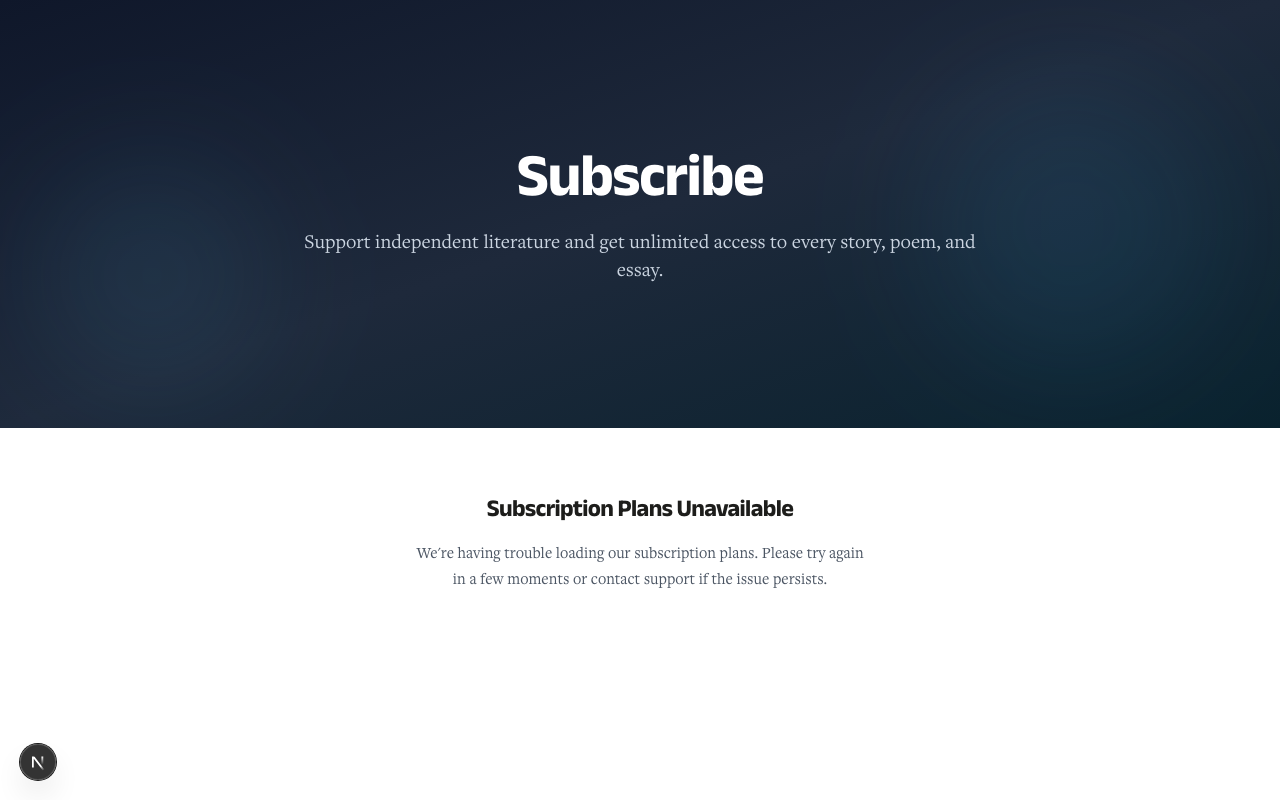
The /subscribe page is template-driven (admins arrange its sections in the template editor). By default it shows a hero, the pricing cards, a "Why subscribe" value-prop grid, a comparison table, testimonials, and an FAQ.
- Each plan card shows the display name, price, billing interval, and key inclusions.
- A monthly / annual toggle switches pricing where the plan supports both intervals (
supportedBillingIntervals; empty = both allowed). - Only plans with
audience = INDIVIDUAL,isActive = true, andisPubliclyVisible = trueappear, and a non-expiredvalidUntil. Institutional plans never show here — B2B readers see an institutional call-to-action routing to/subscribe/institutional. (Internal/comp/gift-seed plans can still be subscribed via a direct?planId=<id>link even when hidden from the listing.) - For print plans, a live current-issue stock badge reflects Shopify inventory sourced from the
Issuemodel (isCurrent+inventoryAvailable).
Choosing a plan opens checkout pre-selected: /subscribe/checkout?plan=<id>&interval=<monthly|annual>.
5.2 Checkout — the three steps (/subscribe/checkout)
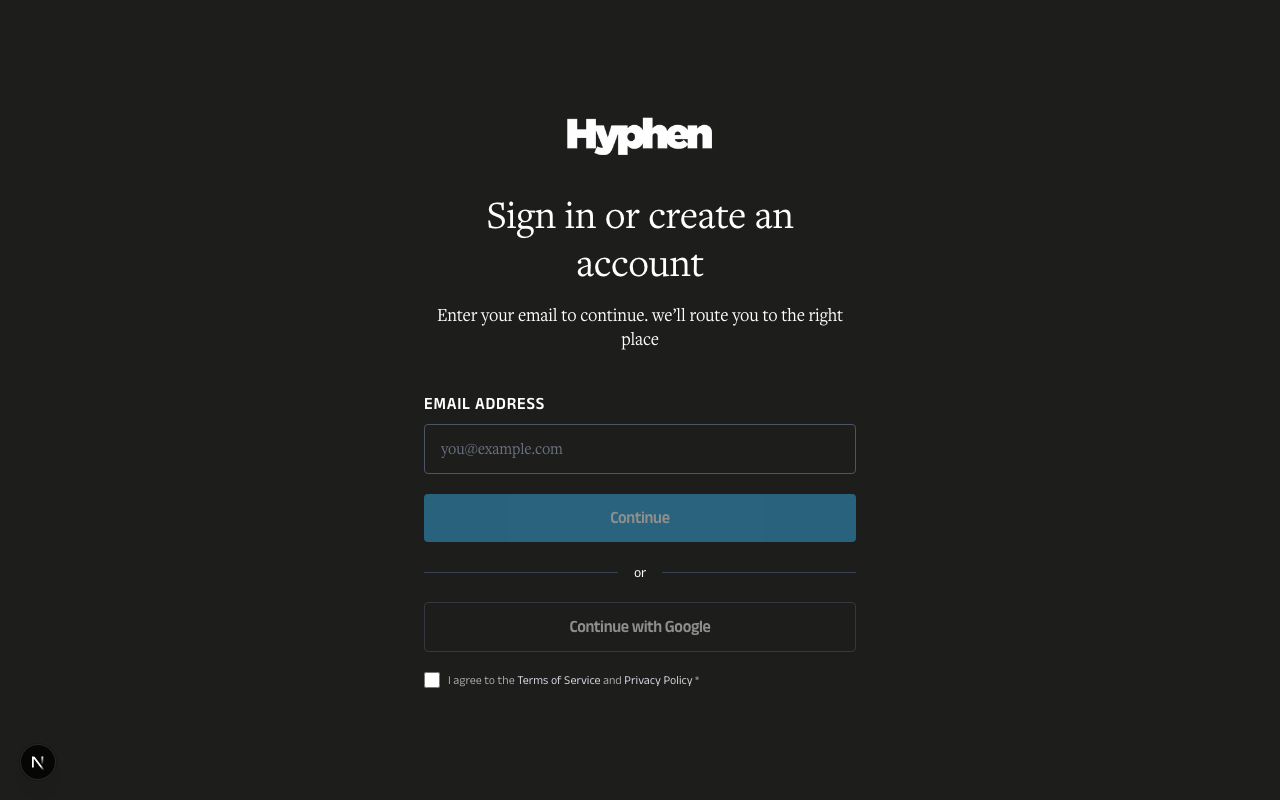
Checkout is a guided three-step flow. The reader must be signed in; unauthenticated visitors are redirected to login with a callback back to checkout. Sign-in is itself gated by a required Terms of Service / Privacy Policy checkbox — the "Continue with Google" / OTP sign-in button stays disabled until the reader ticks "I agree to the Terms of Service and Privacy Policy" (AuthFlow). So consent is captured before any plan or payment step.
Step 1 — Your details & shipping address
- The reader confirms their name (pre-filled from their profile or session where available), written to
shippingName. - For print (
PRINT) and bundle (BUNDLE) plans, a structured shipping address is captured: Address Line 1, Address Line 2, Landmark, City, State, Country (shippingCountry, defaultIN), and PIN code, plus optional phone. - A Save to my profile checkbox (on by default) writes the address back to the reader's profile for next time.
- Print activations are server-validated — a missing required field is rejected with a clear
SHIPPING_ADDRESS_INCOMPLETEerror rather than silently accepted.
Step 2 — Plan & billing
- The reader reviews the selected plan and billing interval (
MONTHLY/ANNUAL). - Where a plan allows buying multiple cycles upfront (
maxCycles > 1), a cycles stepper appears (1..maxCycles, recorded ascyclesPurchased); hidden whenmaxCycles = 1. - A coupon code field validates the code live and shows the resulting price. See §5.4.
Step 3 — Payment
- The available payment method depends on the environment: Razorpay (default), Stripe, or Dummy (test only — see §6). When Dummy mode is on, it is the only option shown.
- On success the reader lands on
/subscribe/success(which also verifies Stripe sessions where applicable) and, after the webhook confirms, the subscription is activated and issue entitlements are generated for print/bundle plans. - New readers who signed up as part of subscribing may pass through
/subscribe/welcometo confirm their plan choice.
5.3 Payment methods & duration units
| Gateway | When used | Notes |
|---|---|---|
| Razorpay | Default in production | Recurring Subscription for auto-renew plans; one-time Order for fixed-duration / gift purchases. Webhooks drive activation and renewal. |
| Stripe | Where configured | Hosted Checkout Session; success page verifies via /api/subscribe/stripe-verify; /api/webhooks/stripe confirms. |
| Dummy | Test environments only | Simulate Success / Simulate Failure; never contacts a real gateway. Gated by env + DB flag (see §6). |
A plan's length is expressed in one of three duration units, with precedence durationIssues > durationDays > durationMonths:
- Issues (
durationIssues) — print, counted by magazine issues delivered. - Days (
durationDays) — explicit day count (min 1). - Months (
durationMonths, default 12) — most common.
Server-side validation enforces that exactly one driver is active. The reader sees the human-readable duration ("12 months", "6 issues") on the card and in their account.
5.4 Applying a coupon
Enter a code in Step 2. The CouponAppliesTo enum defines three discount models:
appliesTo | Behavior |
|---|---|
FIRST_PAYMENT | Discount applies to the first charge only. |
N_CYCLES | Discount applies to discountCycles billing cycles, then full price resumes (billed via the discounted Razorpay Plan). |
ALL_RENEWALS | Discount applies to every charge for the life of the subscription. |
A coupon carries discountPercent or discountAmount (paise), optional plan/interval restrictions (planId, billingInterval), usage limits (maxUses, usedCount, maxUsesPerUser), validity window (validFrom / validTo), and eligibility (newSubscribersOnly, and allowGift / allowBulk / allowInstitutional).
Validation (POST /api/promo/validate) checks the code against the selected plan and interval: a code tied to a specific planId used on a different plan is rejected with PLAN_MISMATCH, and a code tied to a billingInterval used on the other interval is rejected with INTERVAL_MISMATCH (e.g. "only valid for annual billing"). This catches a wrong-plan or wrong-interval code at Step 2 instead of at payment.
Once a code validates, the applied promo is carried through every checkout path — the recurring-subscription order, the fixed-duration order, and the test-only Dummy order all forward couponCode, so the discounted amount is identical in production and in test mode. The code is reserved at checkout and confirmed on payment success (tracked on the subscription via couponId, couponAppliedCycles, couponTotalCycles); abandoned checkouts release the reservation automatically. Win-back codes (§5.8) auto-apply when the reader follows a reactivation link.
5.5 Gifting a subscription (/gift)
A reader (or any buyer) can purchase a subscription for someone else.
- On
/gift, the buyer enters their name/email, the recipient's name/email, an optional personal message, and an optional delivery date, then selects a giftable plan. The plan list is fetched live from/api/gift/plans(with a built-in fallback set if the request fails), and the first plan is pre-selected. A gift-card preview shows what the recipient will see. - Before any payment, the server runs a recipient eligibility check (
checkGiftRecipientEligibility). If the recipient's email already belongs to a reader with a live, non-Free subscription (statusACTIVE/TRIALING/PAUSED/PAST_DUE), the request is rejected withRECIPIENT_ALREADY_SUBSCRIBEDand no gift row or payment order is created — so the buyer is never charged for a gift the recipient cannot use. A recipient who has only the auto-enrolled Free plan, or no account yet, is eligible. See §5.5a. - The buyer pays via a Razorpay Order (not a recurring Subscription — gifts do not auto-renew). The
GiftSubscriptionrow movesPENDING_PAYMENT → PAID. - On payment success the recipient receives an activation email with a redemption link; status becomes
SENT. - The recipient opens
/gift/activateand must sign in via OTP and accept Terms / Privacy before redeeming — see §5.5a. Redemption creates asubscriptionsrow ofsubscriptionType = GIFT. The gift status becomesACTIVATED.
Giftable plans are resolved from the gift catalog (
/api/gift/plans), which ignores normal plan visibility, so a plan can be gift-eligible without being publicly listed. Buyers can review and resend activation from Account → Gifts.
5.5a Activating a gift (OTP + Terms gate)
Gift redemption requires sign-in rather than a one-click link. /gift/activate renders the shared ActivationAuthPanel (the same dark sign-in surface used by institutional activation), which wraps AuthFlow with a locked recipient email and forced Terms/Privacy acceptance:
- The recipient must complete an OTP login for the exact email the gift was sent to. The activation API requires an authenticated
hyphen_access_tokensession and verifies the signed-in email matches the recipient — it does not auto-create an account or session from the bare link. - The activation
GETreturnsneedsTermsAcceptance; when true, the panel shows the Terms of Service / Privacy Policy checkbox even for an existing reader who has no recorded acceptance (e.g. a bulk-created account). The reader must accept before the redeem call fires. - Activating an already-activated gift is idempotent (the page shows the active subscription); an expired link returns a clear error; a gift that has not been paid for cannot be activated.
5.6 Managing your subscription (/account/subscription)
The My Subscription page (backed by /api/account/subscription → /api/subscribe/my-subscription) shows the current plan: name, price, billing cycle, next renewal date (currentPeriodEnd), payment method, and a billing-history table. From here the reader can upgrade/downgrade, cancel, resume, or (after expiry) resubscribe.
5.7 Upgrading or downgrading (proration)
From My Subscription, an Upgrade / Change plan action (/api/account/change-plan → Admin Console /api/reader/subscription/change-plan) lets an active subscriber switch plans:
- The reader picks a target plan and interval and sees a live proration preview — unused time on the current plan is credited (floored by day count), and the new plan is charged the difference (ceiled).
- Confirming records the change. Immediate changes update
planIdnow; others are scheduled for the next cycle boundary viapendingPlanId/pendingChangeEffectiveAt(shown as a pending plan change) and applied by thesubscription.chargedwebhook. - A pending change can be undone with Cancel pending change before it takes effect.
- Plan changes are blocked for institutional subscribers and for cancelled/expired subscriptions. A plan with an expired
validUntilis rejected as a target.
5.8 Cancelling, renewing, and reactivating
Cancel — From My Subscription, Cancel Subscription sets cancelAtPeriodEnd = true and schedules cancellation at the end of the current paid period. The card shows "Cancels on <date>" and access continues until then (auto-renew is stopped at the gateway). A Resume action (/api/account/resume) clears the flag before the period ends.
Renew — Recurring plans auto-renew via the gateway (subscription.charged). Readers receive renewal reminder emails ahead of expiry (per-plan renewalReminders, up to 3 entries with triggerDaysBefore).
Reactivate after expiry (win-back) — When status = EXPIRED, My Subscription shows a win-back offer. If a win-back coupon is active, the reader gets a "Claim offer & resubscribe" button pre-filling checkout with the previous plan, interval, and discount code; otherwise a "View plans & resubscribe" link.
5.9 Subscription history & entitlements (/account/subscription/history)
The Subscription History page consolidates:
- Current subscription — plan, status, and key dates.
- Payments — each charge with amount, date, and (in test environments) a Dummy badge; invoice/receipt links (
/account/subscription/history/invoice/[id]). - Issue entitlements — every magazine issue the subscription is owed, each with a fulfilment status (
FulfilmentStatus):DIGITAL_AVAILABLEfor digital, and for printPRINT_PENDING → PRINT_DISPATCHED → PRINT_DELIVERED.
The admin side of fulfilment (the dispatch list, address-completeness highlighting, bulk Mark Dispatched, and label printing) lives in Reader Management §5.4a / §5.13a.
6. Dummy Payment Mode (test environments)
Dummy mode lets test builds simulate payment without a real gateway, gated by a two-key control so it can never accidentally run in production:
| Gate | Default | Effect |
|---|---|---|
DUMMY_PAYMENT_MODE_ENABLED (env floor) | on in non-prod | Safety net. When on, checkout shows only the Dummy gateway and hides Razorpay/Stripe. Set to false on the production process to opt out. |
dummy_payment_mode_enabled (DB feature flag) | off (fail-closed) | Runtime kill-switch toggled from Settings → Features without a redeploy. Dummy mode is active only when both the env floor is on and this flag is on; a missing flag row is treated as off. |
The reader portal asks the Admin Console at checkout-mount time whether Dummy mode is on, so the gateway choice always matches the server.
7. Configuration Reference
7.1 Plan attributes (Admin Console → Subscriptions → Plans)
| Field / Option | What it does | Type | Mandatory? | Default | Where configured | Role |
|---|---|---|---|---|---|---|
displayName | Public plan name on the card | String | Yes | — | UI: Plans editor | Admin |
audience | INDIVIDUAL (self-service) vs INSTITUTIONAL (offline) | enum PlanAudience | Yes | INDIVIDUAL | UI | Admin |
deliveryFormat | DIGITAL / PRINT / BUNDLE — drives address capture | enum DeliveryFormat | Yes | DIGITAL | UI | Admin |
supportedBillingIntervals | Whitelist of MONTHLY / ANNUAL; empty = both | enum[] | No | [] (both) | UI | Admin |
durationMonths / durationDays / durationIssues | Plan length; exactly one drives (issues > days > months) | Int | One required | months=12 | UI | Admin |
priceMonthly / priceAnnual / priceOneTime | Prices in paise (smallest unit) | Int | Yes (relevant) | 0 | UI | Admin |
currency | Billing currency | String | Yes | INR | UI | Admin |
features | Boolean entitlements + numeric limits (JSON) | JSON | Yes | [] | UI (entitlement editor) | Admin |
maxCycles | Max cycles buyable upfront; 1 hides the stepper | Int | No | 1 | UI | Admin |
isPubliclyVisible | Show on /subscribe (direct link still works) | Bool | No | true | UI | Admin |
isActive | Plan is sellable | Bool | No | true | UI | Admin |
validUntil | Sell-by date; past = excluded as new/target plan | DateTime? | No | null | UI | Admin |
renewalReminders | Up to 3 pre-expiry reminder entries | JSON | No | [] | UI | Admin |
allowsRenewal | Whether the plan can renew | Bool | No | true | UI | Admin |
razorpayPlanId* / stripePriceId* | Gateway plan/price IDs | String? | If recurring | null | UI / setup | Admin |
hsnCode / gstRatePercent | Tax config | String / Decimal | No | null | UI | Admin |
7.2 Checkout fields (reader)
| Field / Option | What it does | Type | Mandatory? | Default | Where | Role |
|---|---|---|---|---|---|---|
| Name | Subscriber / shipping name | String | Yes | from profile | Checkout Step 1 | Reader |
| Shipping address (Line1/2, Landmark, City, State, Country, PIN, Phone) | Print/bundle delivery; server-validated | String fields | Yes for PRINT/BUNDLE | Country IN | Step 1 | Reader |
| Save to my profile | Persist address for next time | Bool | No | checked | Step 1 | Reader |
| Billing interval | MONTHLY / ANNUAL | enum | Yes | per plan | Step 2 | Reader |
| Cycles | Upfront cycles (when maxCycles > 1) | Int | No | 1 | Step 2 | Reader |
| Coupon code | Discount at checkout | String | No | — | Step 2 | Reader |
| Payment method | Razorpay / Stripe / Dummy | choice | Yes | env-driven | Step 3 | Reader |
7.3 Gift fields (/gift)
| Field | What it does | Mandatory? |
|---|---|---|
| Buyer name / email | Who is paying | Yes |
| Recipient name / email | Who receives the gift + activation email | Yes |
| Personal message | Shown on the gift card | No |
| Delivery date | When the activation email is sent | No |
| Plan | A giftable plan (from gift catalog) | Yes |
7.4 Account-management actions
| Action | Route | Effect |
|---|---|---|
| Upgrade / Change plan | /api/account/change-plan | Proration preview, immediate or queued change |
| Cancel | sets cancelAtPeriodEnd | Access until period end |
| Resume | /api/account/resume | Clears pending cancellation |
| Resubscribe (win-back) | /subscribe/checkout pre-filled | After expiry |
7.5 Payment env vars (backend / operators)
| Variable | Purpose |
|---|---|
RAZORPAY_KEY_ID / RAZORPAY_KEY_SECRET | Razorpay API credentials |
RAZORPAY_WEBHOOK_SECRET | Verifies inbound Razorpay webhooks |
STRIPE_PUBLISHABLE_KEY / STRIPE_SECRET_KEY | Stripe API credentials |
STRIPE_WEBHOOK_SECRET | Verifies inbound Stripe webhooks |
DUMMY_PAYMENT_MODE_ENABLED | Env floor for Dummy mode (see §6) |
8. How to Verify It Worked
- After subscribing: redirected to the success page;
/account/subscriptionshows the plan with a next renewal date; print/bundle plans list issue entitlements asPRINT_PENDING; a receipt email arrives via thesubscription_lifecyclepurpose. - After a coupon: Step 2 shows the discounted price; the receipt and history reflect the discounted amount.
- After gifting: the buyer sees the gift under Account → Gifts; the recipient gets an activation email and, after redeeming, has a
GIFT-type subscription. - After changing plans: an immediate change updates My Subscription; a scheduled change shows a pending-plan-change banner with the effective date.
- After cancelling: My Subscription shows "Cancels on
<date>"; access remains until then. - After expiry: My Subscription shows a win-back offer; following it pre-fills checkout.
9. Worked Examples (End-to-End Scenarios)
Example 1: Annual digital plan with a coupon
- On
/subscribe, toggle Annual and choose a digital plan → checkout opens pre-selected. - Step 1: confirm name (no address for digital). Step 2: enter coupon
WELCOME20; price updates. Step 3: pay with Razorpay (or Simulate Success in test). - Verify:
/account/subscriptionshows the plan + renewal date; a discounted receipt arrives.
Example 2: Print plan and track delivery
- Choose a print plan → Step 1: fill the structured shipping address; leave Save to my profile checked.
- Complete payment. On success, history lists entitled issues as
PRINT_PENDING. - After the operator dispatches (admin side), the issues flip to
PRINT_DISPATCHED, thenPRINT_DELIVERED.
Example 3: Gift a subscription
- On
/gift, enter buyer + recipient details and a message; pick a giftable plan; pay (Razorpay Order). - Recipient gets an activation email, opens
/gift/activate, signs in, and redeems. - Verify: recipient's account shows a
GIFTsubscription; buyer can resend activation if needed.
Example 4: Upgrade mid-cycle
- On
/account/subscription, choose Change plan, pick a higher plan, review the proration preview. - Confirm. If scheduled, a pending-plan-change banner appears; undo with Cancel pending change.
- Verify the new plan and prorated charge in payment history.
Example 5: Cancel and reactivate
- On
/account/subscription, Cancel Subscription → card shows "Cancels on<date>". - After expiry, return → a win-back offer appears.
- Click Claim offer & resubscribe → checkout opens pre-filled with the prior plan and discount code.
10. Common Mistakes and How to Fix Them
- "The plan I want isn't on the subscribe page" — Only
INDIVIDUAL, active, publicly-visible, non-expired plans appear. Checkaudience,isActive,isPubliclyVisible, andvalidUntilin Admin Console → Subscriptions → Plans. Institutional buyers use/subscribe/institutional. - "Checkout won't continue past the address step" — Print/bundle addresses are server-validated; complete Line 1, City, State, Country, and PIN. A missing field returns
SHIPPING_ADDRESS_INCOMPLETE. - "I only see the Dummy payment option" — The environment has Dummy mode on, which hides real gateways by design. See §6.
- "My coupon didn't stick" — Coupons are reserved at checkout and confirmed on payment; abandoned checkouts release the reservation. Re-enter the code and confirm its
appliesTomodel and eligibility (newSubscribersOnly, usage limits). - "My coupon says it's not valid for this plan / interval" — The code is restricted to a specific plan or billing interval.
PLAN_MISMATCHmeans it only works on another plan;INTERVAL_MISMATCHmeans it only works on monthly or only on annual. Switch to the eligible plan/interval or use a different code. - "I can't gift to this person" —
RECIPIENT_ALREADY_SUBSCRIBEDmeans the recipient already holds a live, paid subscription. Gifts can only go to readers with no subscription or only the Free plan; you are not charged when this check fails. - "The gift recipient can't activate — it asks them to sign in" — Expected: activation requires the recipient to OTP-sign-in with the exact gift email and accept Terms/Privacy. The link does not auto-create an account. Confirm they are using the same email the gift was sent to.
- "An institutional reader can't read anything yet" — Their seat is probably still
invited. They must open their institutional magic link and complete OTP sign-in once to promote the seat toactive. See §4.4. - "The gift recipient never got their email" — Confirm the
subscription_lifecyclepurpose maps to a verified email account (Settings → Email → Purposes) and review email logs. The buyer can resend from Account → Gifts. - "I can't change my plan" — Blocked for institutional subscribers and cancelled/expired subscriptions. Reactivate first, or contact the institution admin.
- "I cancelled but I can still read everything" — Expected: cancellation takes effect at the end of the paid period (
cancelAtPeriodEnd). - "My print issues still say Pending" —
PRINT_PENDINGmeans not yet dispatched. Dispatch happens on the admin Fulfilment List. See Reader Management §5.4a.
11. Dependencies & Impact
The reader subscription journey is the hub of several systems:
- Reader Management — the admin side of the same
subscriptions/subscription_planstables: plan editing, manual grants, the dispatch/fulfilment list, label templates, and the Magazine Schedule that maps issue entitlements. Retiring a plan is handled by the admin DeletePlanDialog: a plan with no subscribers is a simple confirm-and-delete; a plan with subscribers offers either Deactivate (hides it from/subscribe, existing subscribers keep access, no new enrolments) or Migrate subscribers to another active plan (then the source plan is deactivated, or for an already-inactive "zombie" plan, hard-deleted). Migrations affecting more than 10 subscribers require the admin to type the plan name to confirm. - Paywall & Access — consumes
resolveEntitlements(); subscription status and plan entitlements directly determine what content a reader can open. - Email System — receipts, gift activation, renewal reminders, and cancellation notices all route through the
subscription_lifecyclepurpose. - Future Readers — a coupon
sourceoffuture_readers; acquisition campaigns issue coupons consumed by this checkout. - Magazine — print issue entitlements and fulfilment statuses are anchored to the
Issuemodel (current-issue inventory, dispatch tracking).
Changing plan attributes, entitlement registries, gateway credentials, or the Magazine Schedule can therefore affect catalog visibility, what readers can access, billing, and print fulfilment simultaneously.
FAQ
Related guides
- Reader Management System — admin-side subscriptions, grants, Magazine Schedule, print fulfilment, label templates
- Sales System — institutional (B2B) subscriptions, seats, renewals, offline payment
- Paywall & Access — what each plan unlocks; access levels and content gating
- Email System Guide — lifecycle emails (receipts, gift activation, renewal reminders, cancellation)
- Future Readers — acquisition campaigns and coupons
- Magazine — issues, current-issue inventory, and print fulfilment
Sales System
Complete guide to institutional subscriptions, licensing, seat management, sales pipeline, and renewals
Student Subscription Program
Complete technical reference for the student enrollment program — enrollment workflow, institutes, premium access grants, data flow, configuration, and dependencies